
BandiLauncher
Your favorite files and apps, one click away
Just drag and drop from File Explorer to add items. Bring it up anytime with a hotkey or a screen corner, and keep things tidy with group tabs.
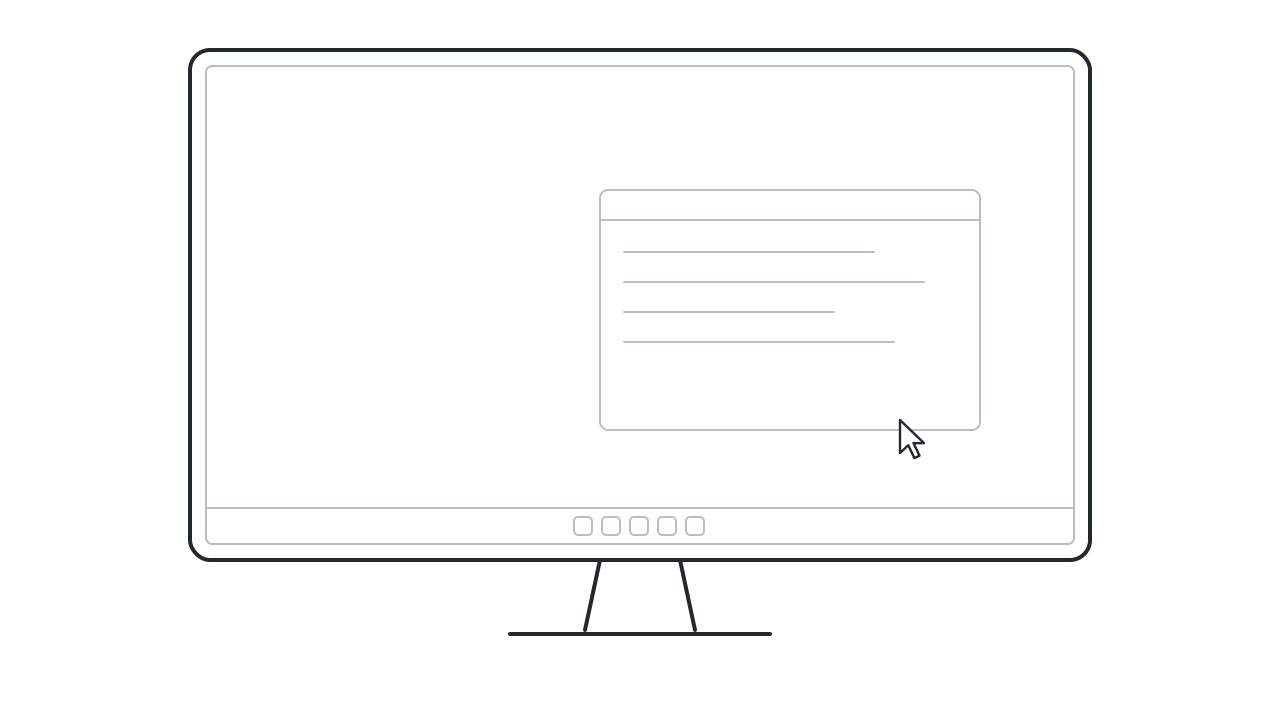
Just move the mouse to a corner
Move the mouse to the top-left corner of the screen and BandiLauncher appears.
Features
Drag and drop to add
Drop files, folders and shortcuts from File Explorer to add them instantly. Drag to reorder, or drag items back out to File Explorer.
Organize with group tabs
Split items into groups such as Work, Games or Documents and switch between them with tabs. Rename and reorder groups, and move items between them.
Always within reach
Press Ctrl+Alt+L or move the mouse to a screen corner (top-left by default) to open it. It can also show and hide together with the Windows Start menu.
Waits quietly in the tray
Press Esc or the close button and it hides in the notification area. You can also hide it after launching an item or keep it always on top.
Run as administrator and options
Run any item as administrator, and set command-line arguments and a start folder per item. Documents open in their associated app with administrator rights.
Light and easy
A lightweight program of about 3 MB that installs without administrator rights. Supports light and dark mode, English and Korean, and Ctrl+Z restores removed items.
Keyboard shortcuts